Viewing a property sheet is a convenient and quick way to display your folder properties or item attributes. You can access the property sheet for information purposes or to troubleshoot a problem.
The folder property sheet is accessible from the content area home
page or folder area by clicking the property sheet icon  which is located at the top-right of the folder's sub-banner.
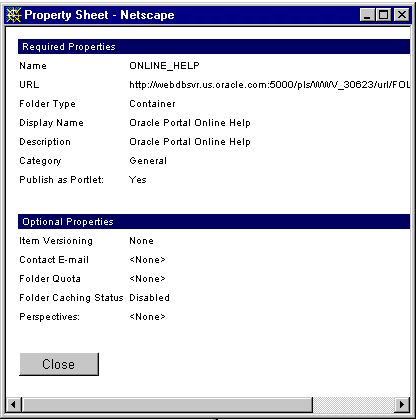
Below is an example of a folder property sheet:
Item property sheet
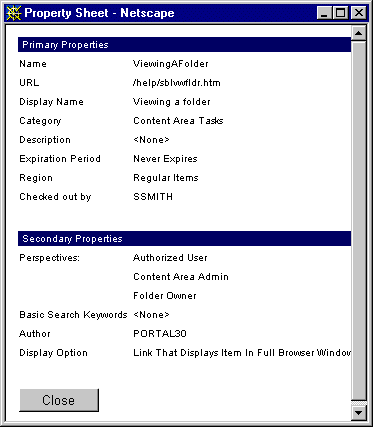
You can also display an item property sheet by clicking
next to the item in the folder area.
Note: The property sheet icon is an item attribute which displays only if it was chosen to display. For more information, see Choosing item attributes to display in a folder region.
 and New Item icon
  .
You can also choose
.
You can also choose