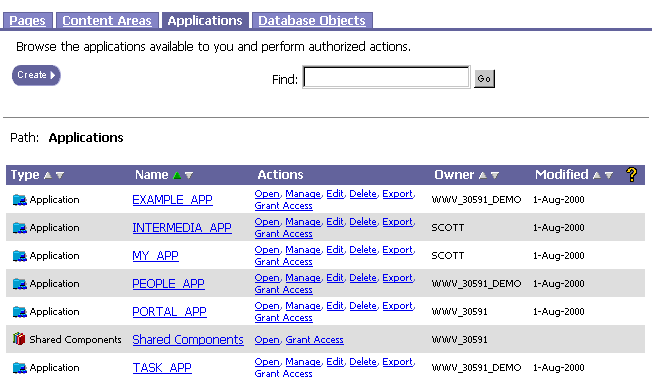
You can change the display name or internal name of an application.

To rename an application, you must have:
-
EDIT ALL APPLICATIONS global privileges.
|
You can change the display name or internal name of an application. |
|
|
|
To rename an application, you must have:
|
|
To rename an application: |
|
|
|
|