You must have Execute or higher application access privileges to view
applications in the navigator.
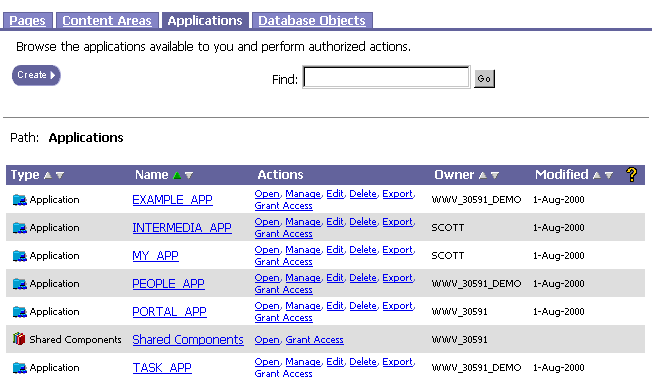
To find an application:
Click
on the navigation shortcut bar.
Click the Application tab
in the Oracle Portal Navigator.
Scroll down the Name column
to the application.
Note You
can also use Find field
at the top of the Navigator to search for applications. Enter the
name of the application, then click Go.
You can use the % wildcard in your search.
(optional) Click the application Name
to view the components in the application.
(optional) Click links in the Actions
column to perform other actions on the application.