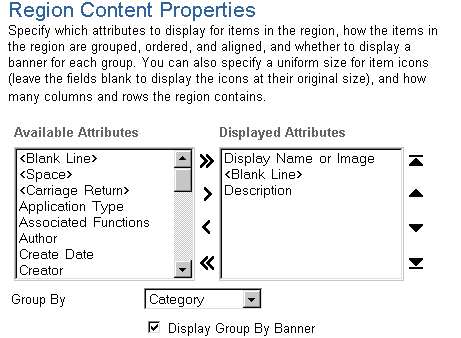
Classifying portlets by categories makes it easier for page creators to find the portlets they need. For example, if you're the portal administrator, you might create a category called Accessories that includes portlets like a calendar, a calculator, and other handy functions.
Using categories, you can bring together portlets irrespective of provider, thereby creating more logical groupings of portlets--groupings based on content, or perhaps on intended audience.
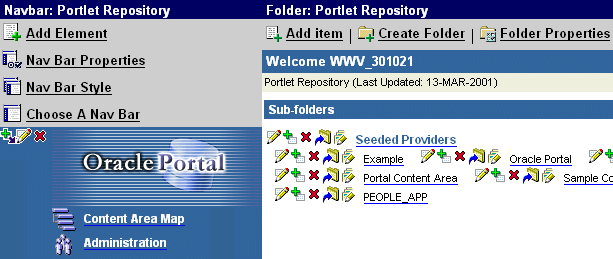
When a user clicks a provider's subfolder to display the associated portlets, the portlets are grouped by the categories to which they've been assigned. Like all folders, each provider's subfolder is controlled by the applied folder style. The default folder style, called Portlet Repository, assigns all portlets to the General category if you do not assign another category.

Before categorizing portlets, it is important to understand how the portlet repository works.
You must be a portal administrator to categorize portlets.
 .
.